
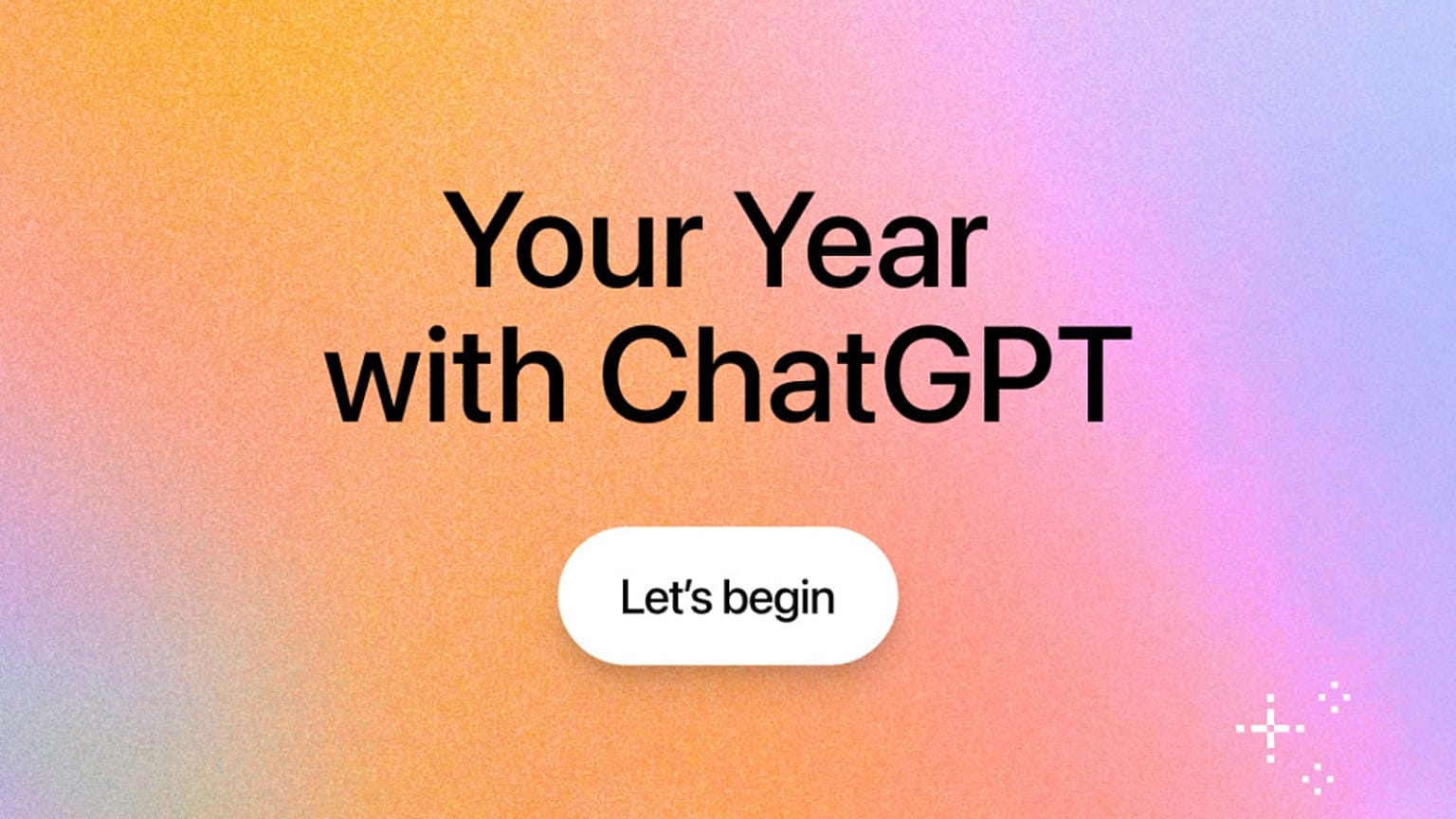













“Your Year with ChatGPT” tracks your total messages, AI-generated images, chattiest day, and even your em-dash usage.
Move over, Spotify Wrapped - there’s a new end-of-year recap in town, from one of the most popular AI chatbots: ChatGPT.
 ADVERTISEMENT
ADVERTISEMENT
ADVERTISEMENT
ChatGPT maker OpenAI rolled out “Your Year with ChatGPT”, its first-ever year-in-review for users in the United Kingdom, United States, Canada, Australia, and New Zealand.
Think of it as a digital diary, but instead of your embarrassing Spotify listening history, it's more your late-night existential ramblings and the questionable life advice you’ve begged from a chatbot.
The feature is available to everyone with free, Plus, or Pro plans - provided you’ve got “reference saved memories” and “reference chat history” switched on, and you’ve reached a minimum conversation threshold.
Like Spotify Wrapped, ChatGPT's version comes with eye-catching graphics and personalised awards based on how you’ve used the bot this year.
It kicks off with a poem designed to capture the “vibe” of your year. The recap then serves up stats like total messages sent, images generated, your chattiest day, and how many em-dashes you and the chatbot exchanged.
Some users have already shared theirs online, with many shocked at just how many messages they’ve sent - and how alarmingly dependent they've become on AI.
One user wrote in a Reddit post: "I knew I had a problem with how much I used ChatGPT but did not realise how bad it was until I saw this, I think I need to reflect & work on myself 💀."
Thus, while it's quite fun to see all these stats, this might also be the perfect moment for us all to reflect on our AI habits - whether it’s our tendency to overuse it, or, at the very least, our eagerness to spill personal details to it - especially in light of last month's news that OpenAI confirmed a data breach.
If you’re now panicking about how much your ChatGPT knows about you, don’t worry. The memory settings are on by default, but you can turn them off. Just head to Settings, Personalisation, and then Manage Memories.
Here you can toggle off memory-related features or selectively delete anything you’d rather your chatbot forget.