

















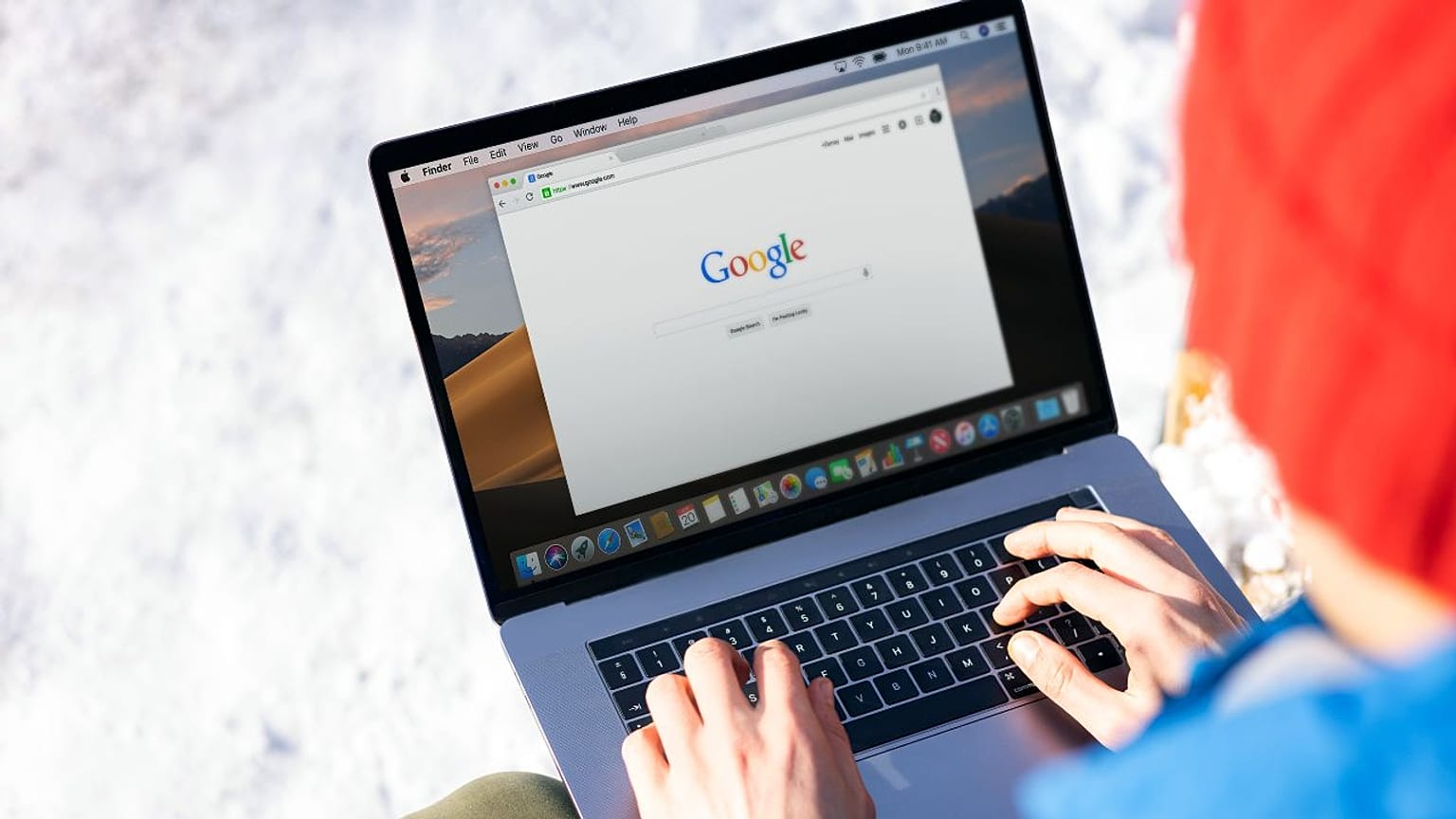













Google offers a new function for all those who want to stay up to date: From now on, you can specify which news provider should be emphasised in search queries. This way you can make Euronews your favourite source.
"Hang on, I'll google that quickly" is a phrase that has become part of our everyday lives. Even when it comes to getting information. So if you search Google for current topics such as "Trump-Iran", "Ukraine", "Wages in Europe" or "Whale Timmy", you will also be shown headlines and articles from several media outlets.
 ADVERTISEMENT
ADVERTISEMENT
ADVERTISEMENT
With Google's new personalisation option, you decide which news source appears first.
For the first time, Google is offering a personalisation option for such news search queries. This allows you to decide for yourself which articles are suggested first. Other media and sources will still be displayed.
With just a few clicks, you can set Euronews as your favourite source:
- Click on this link: Set Euronews as your favourite source
- Sign in to your Google account
- Search for "Euronews" and tick the box
- That's it! Your selection will be applied immediately.
You can change or cancel the setting at any time in your Google account.